How to use PULSE PRIME Blood pressure Monitor
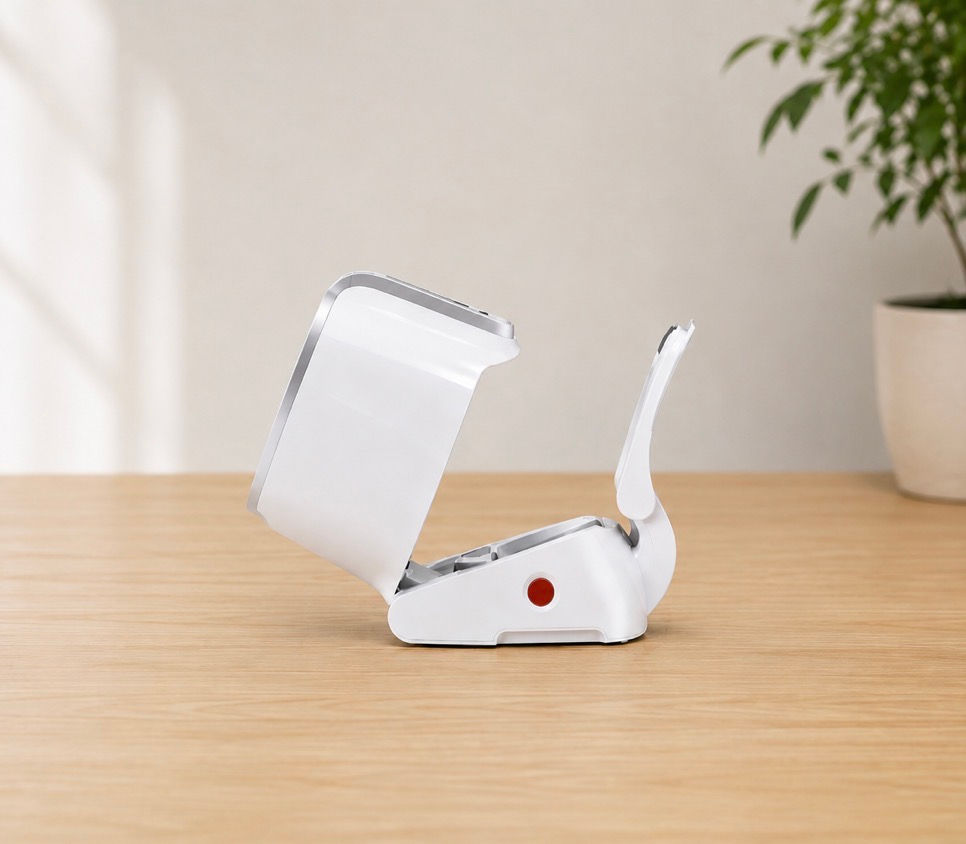
Step 1
Unfold the device and set up the arm rest

Step 2
Insert your arm press down the gray button with your elbow

Step 3
Press start to measure
How to use INFINITY PRO Hearing Aid

Step 1 - Before wearing
Clean your ears and choose the ear dome that fits comfortably

Step 4 - Adjust Volume
Use the + or - controls to adjust the volume to a comfortable level

Step 2 - How To Wear
Insert the ear dome gently and position the hearing aid securely behind your ear

Step 5 - Select Program Mode
Choose the listening mode that fits your enviorment

Step 3 - Turn On
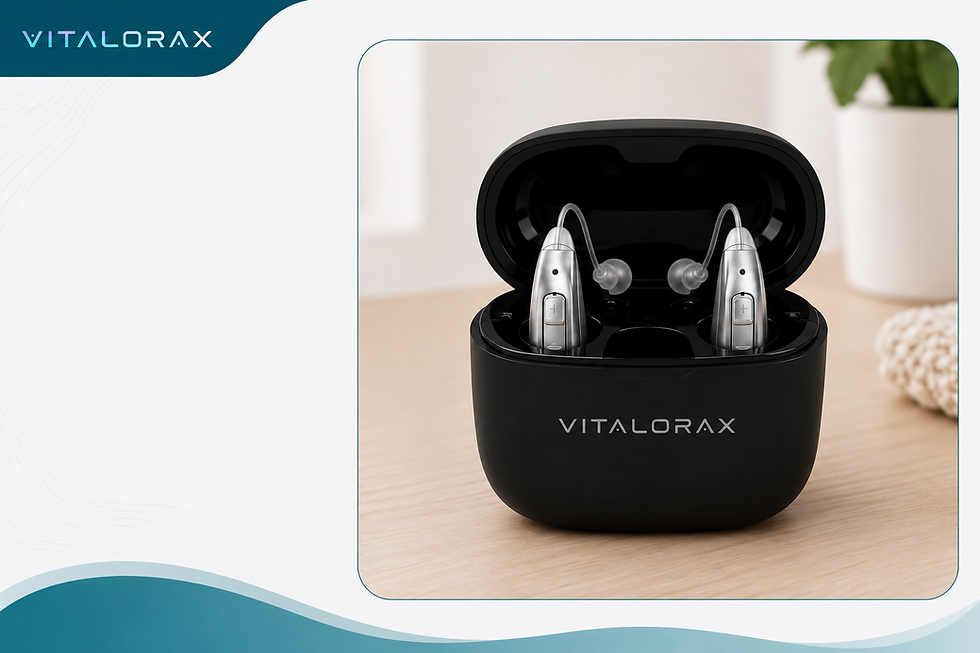
Press and hold the button for about 5 seconds, or remove the hearing aids from the charging case for automatic setup

Step 6 - App Connection
Turn on Bluetooth and connect the hearing aids through the compatible app
Step 7 - Turn Off & Store
Turn the hearing aids off or place them back in the charging case
How to use INFINITY (No App Required)Hearing Aid
Step 1 - Before wearing
Clean your ears and choose the ear dome that fits comfortably
Step 4 - Adjust Volume
Use the + or - controls to adjust the volume to a comfortable level
Step 2 - How To Wear
Insert the ear dome gently and position the hearing aid securely behind your ear
Step 5 - Select Program Mode
Choose the listening mode that fits your enviorment
Step 3 - Turn On
Press and hold the button for about 5 seconds, or remove the hearing aids from the charging case for automatic setup